Rewards
How to Withdraw Rewards
Quick Intro
The full withdrawal flow in the app, including both direct wallet withdrawals and withdrawals through a crypto exchange.
Last updated September 11, 2026
Plantee currently supports two ways to withdraw rewards: directly to a crypto wallet or through a crypto exchange account.
The in-app flow is almost the same for both. The main difference is the kind of Base address you enter in step 2.
Step 1: Open your earnings and start the withdrawal
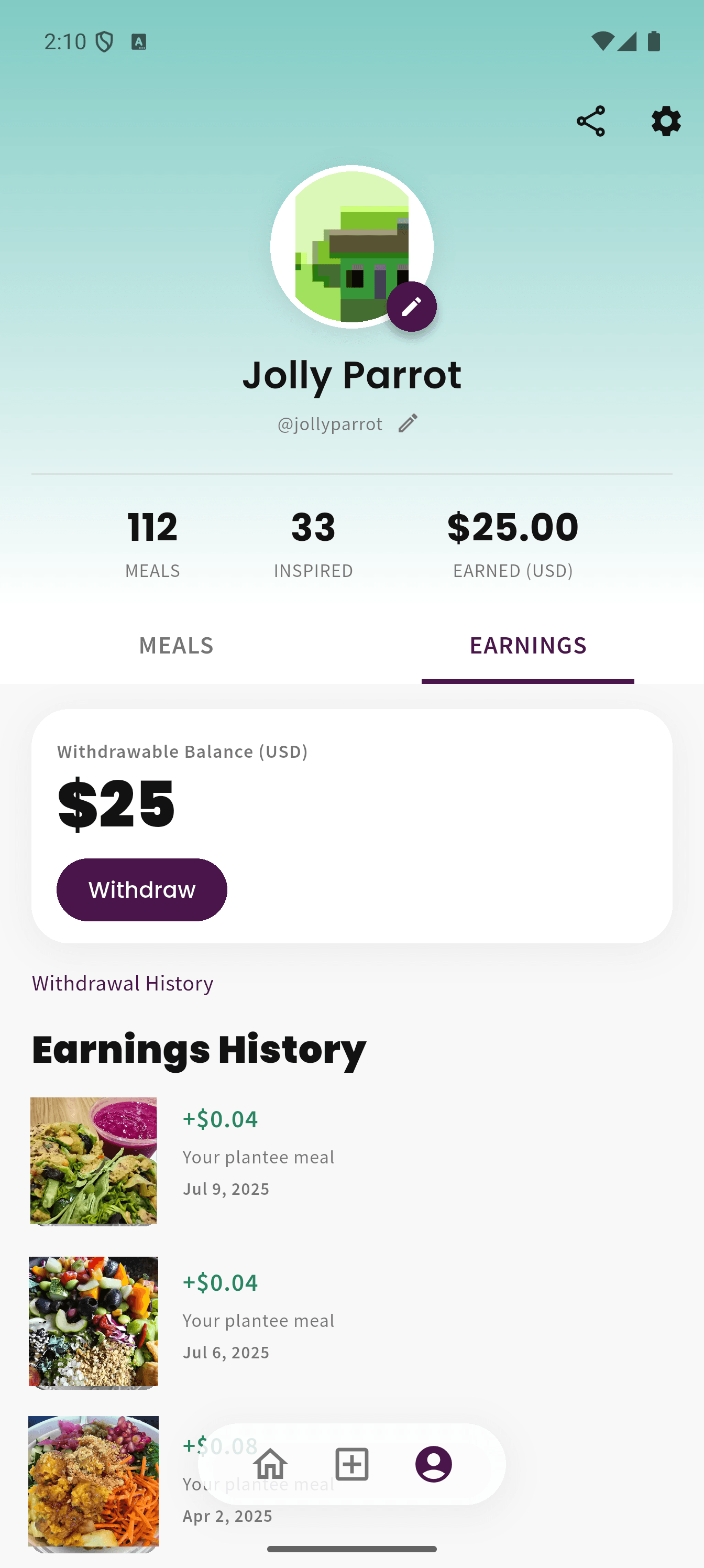
Go to your earnings area and tap Withdraw to begin.
Step 2: Enter your Base address
At this step, you will enter either a wallet Base address or an exchange Base address.
Use the guide that matches your withdrawal method before continuing.
Step 2a: Direct wallet address
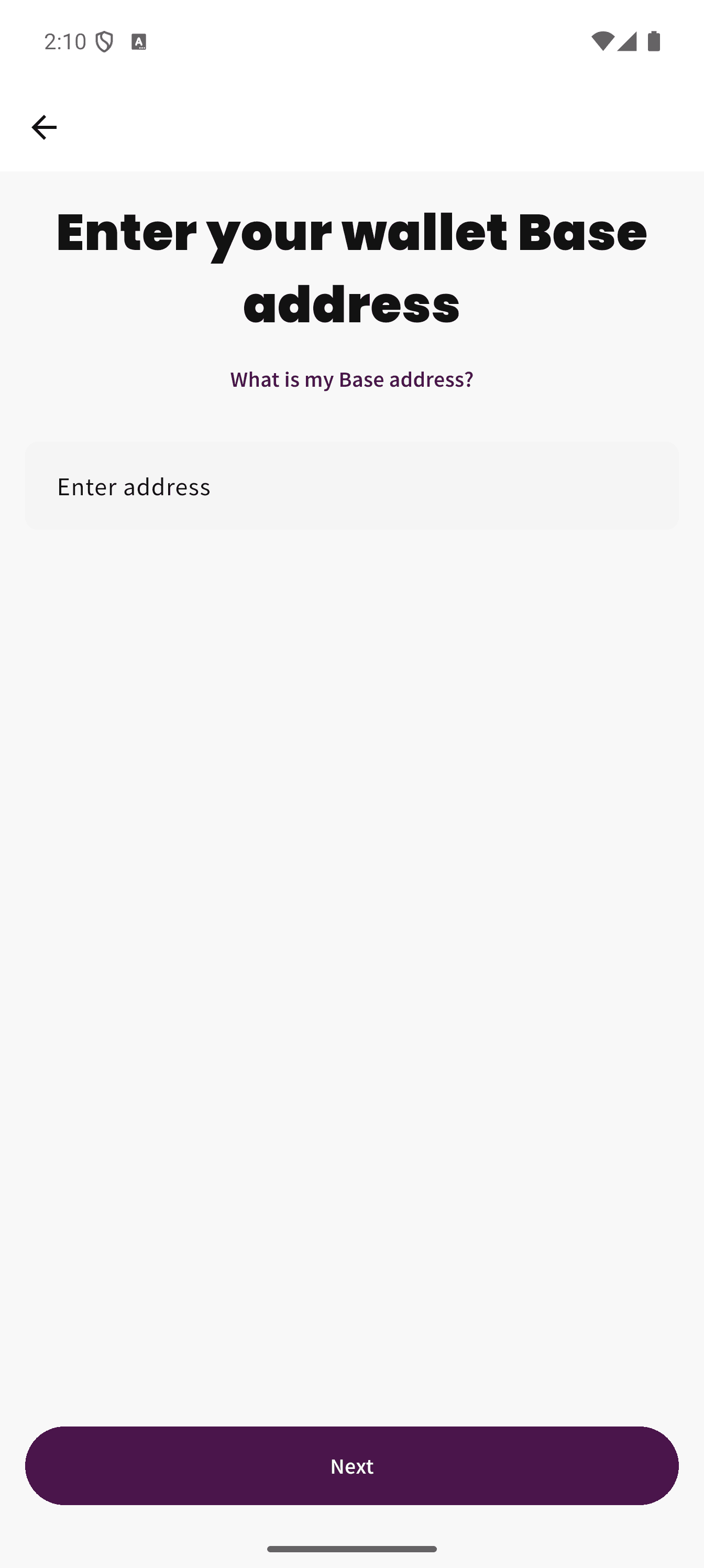
If you are withdrawing directly to a wallet, enter your wallet’s Base address here.
Step 2b: Crypto exchange address
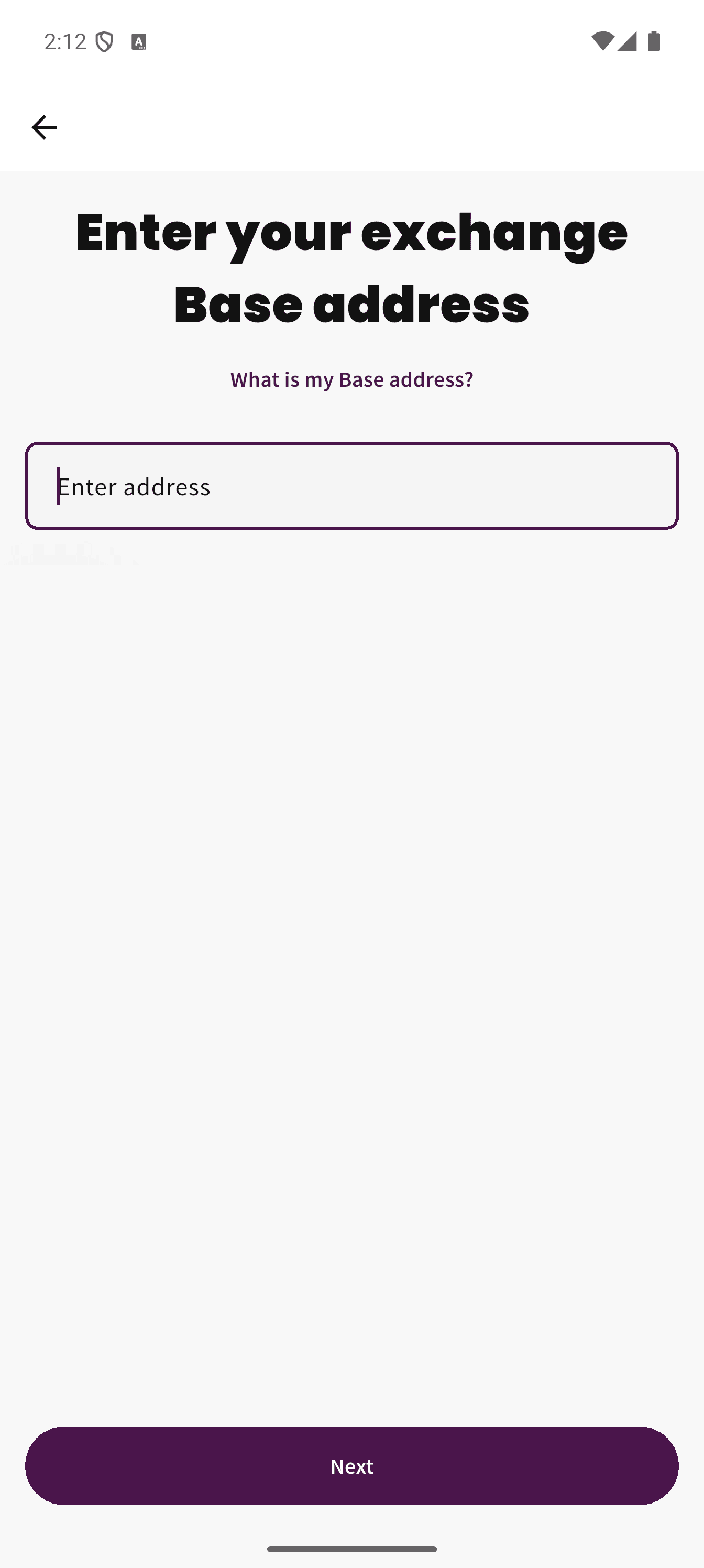
If you are withdrawing through an exchange, enter the exchange deposit address that supports Base.
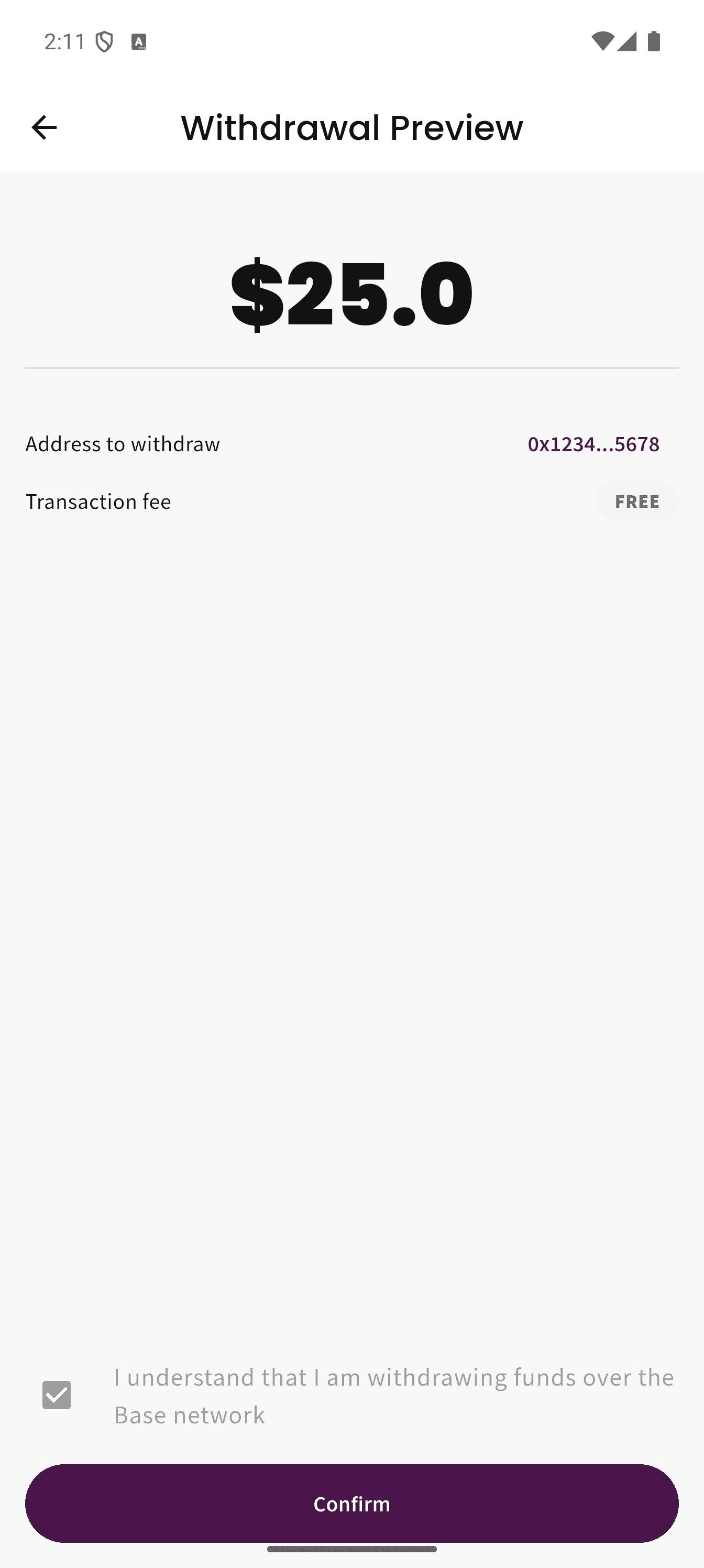
Step 3: Review the withdrawal details
Important
Before you confirm, make sure the withdrawal is using the Base network. Using the wrong network can delay, misroute, or lose funds. Read What Is the Base Network?.
Check the amount, check the address, confirm you are using Base, and then submit the withdrawal.
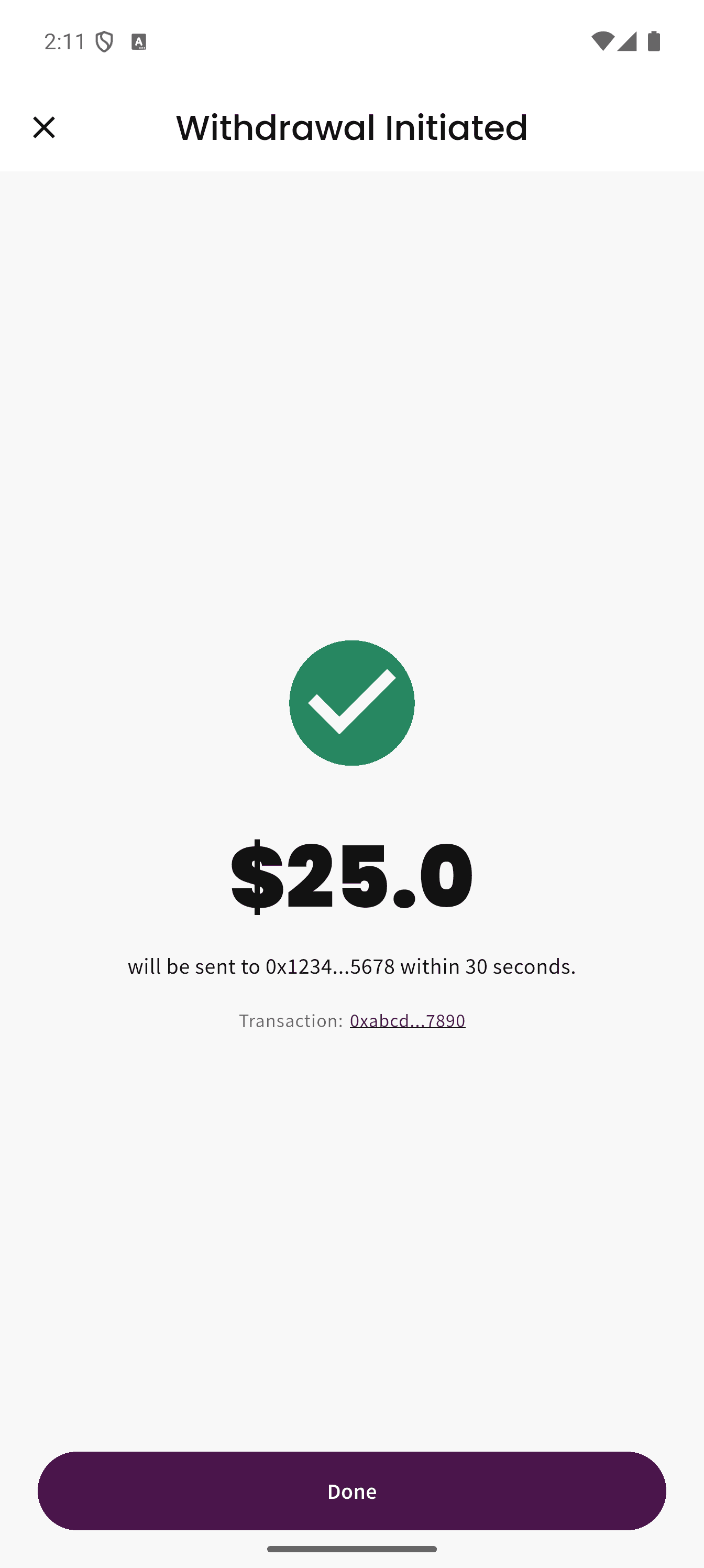
Step 4: Withdrawal submitted
Safety clearance can take up to 14 days
A pending withdrawal is going through standard safety clearance. This helps ensure that money provided by climate funders reaches genuine users for genuine, eligible activity. You do not need to contact support during this period. Read Why Is My Withdrawal Taking So Long? for details.
After you confirm, Plantee will submit the withdrawal for processing. It may remain pending while standard checks are completed.
Before confirming
- Make sure your available balance is high enough to withdraw.
- Use a compatible wallet or exchange address that supports Base.
- Review the address carefully before confirming.
Why this matters
Crypto transfers are usually irreversible once sent. If you are unsure, pause and confirm the correct Base address before continuing. Read What Is the Base Network? for a simpler explanation.